Wondering how to use your RAMP account to access information on fees, payments, debits and credits.
To track your credits and debits:
- Log into your Ramp account (navigate to website>members>login).
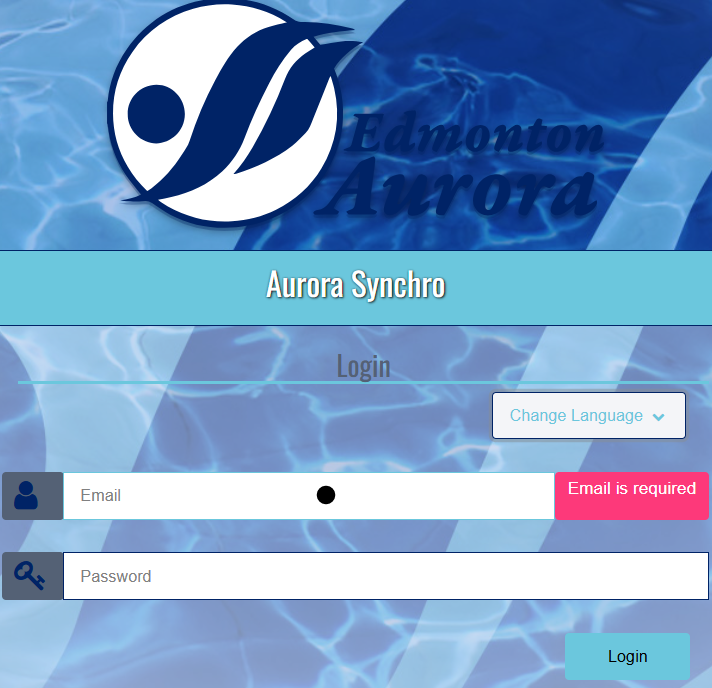
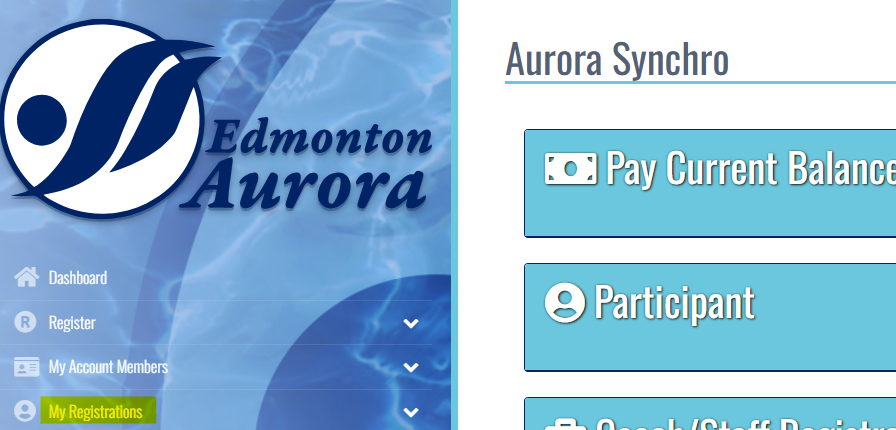
- Click My Registrations on the left-hand side of the screen.
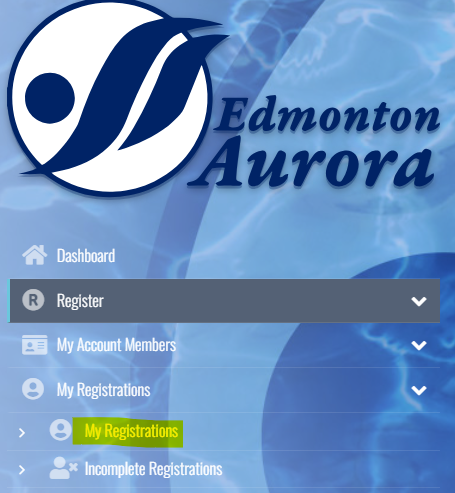
- Then click My Registrations. �
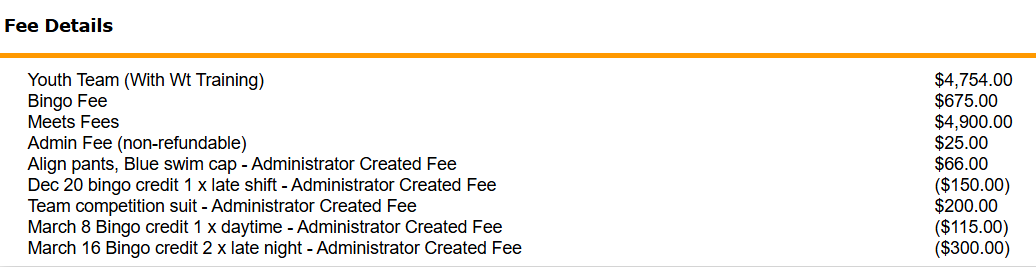
- Click on Receipt under the Manage button that corresponds to this season.
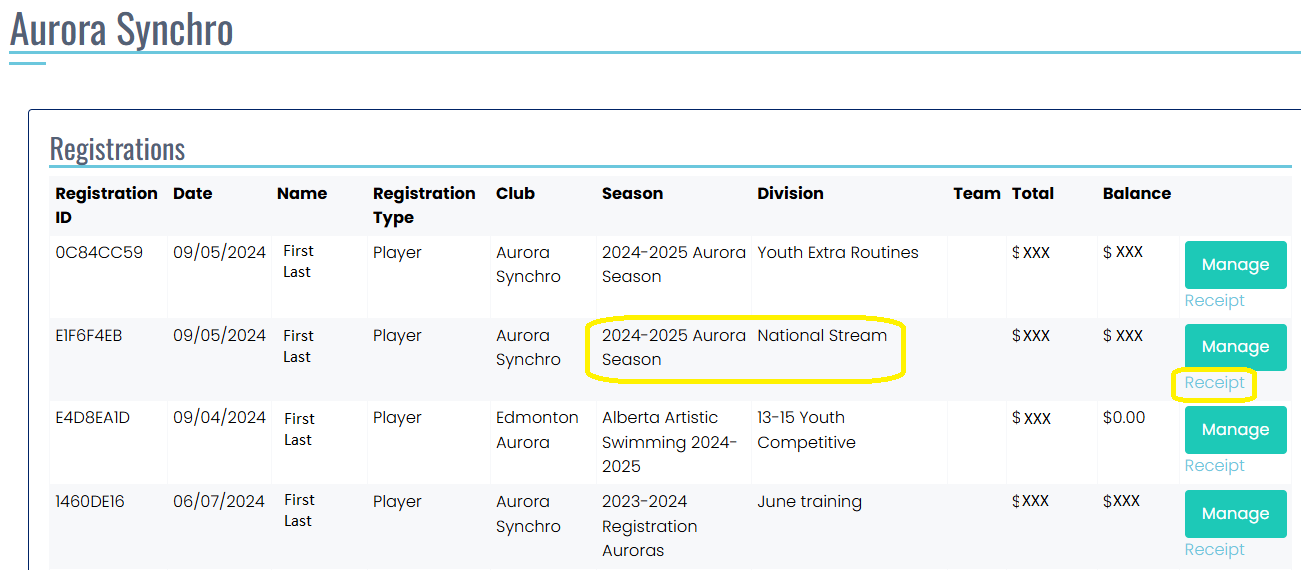
- Scroll about halfway down to FEE DETAILS to see any credits (bingo, casino) or debits (fees, wardrobe).
More questions? Contact treasurer@aurorasynchro.org